Write with AI
Draft, continue a scene or revise a passage. You choose when the model helps with the words.
Write, explore and refine your manuscript with local AI. On your terms, on your own computer.
StoryBook AI is for anyone who wants to write prose with local AI. The app has an extensive feature set and sits at the center of the Ocedo-apps storytelling ecosystem.
StoryBook AI maintains the story bible. ComicbookAI and SandboxAI cannot modify it, so the shared foundation is maintained in StoryBook AI.
You do not have to let AI write a single sentence.
Draft, continue a scene or revise a passage. You choose when the model helps with the words.
Brainstorm ideas, interview characters and explore your story world before deciding what becomes true.
Write yourself and use AI for proofreading, analysis and questions about content, pacing and continuity.
App screenshots. Click to enlarge.
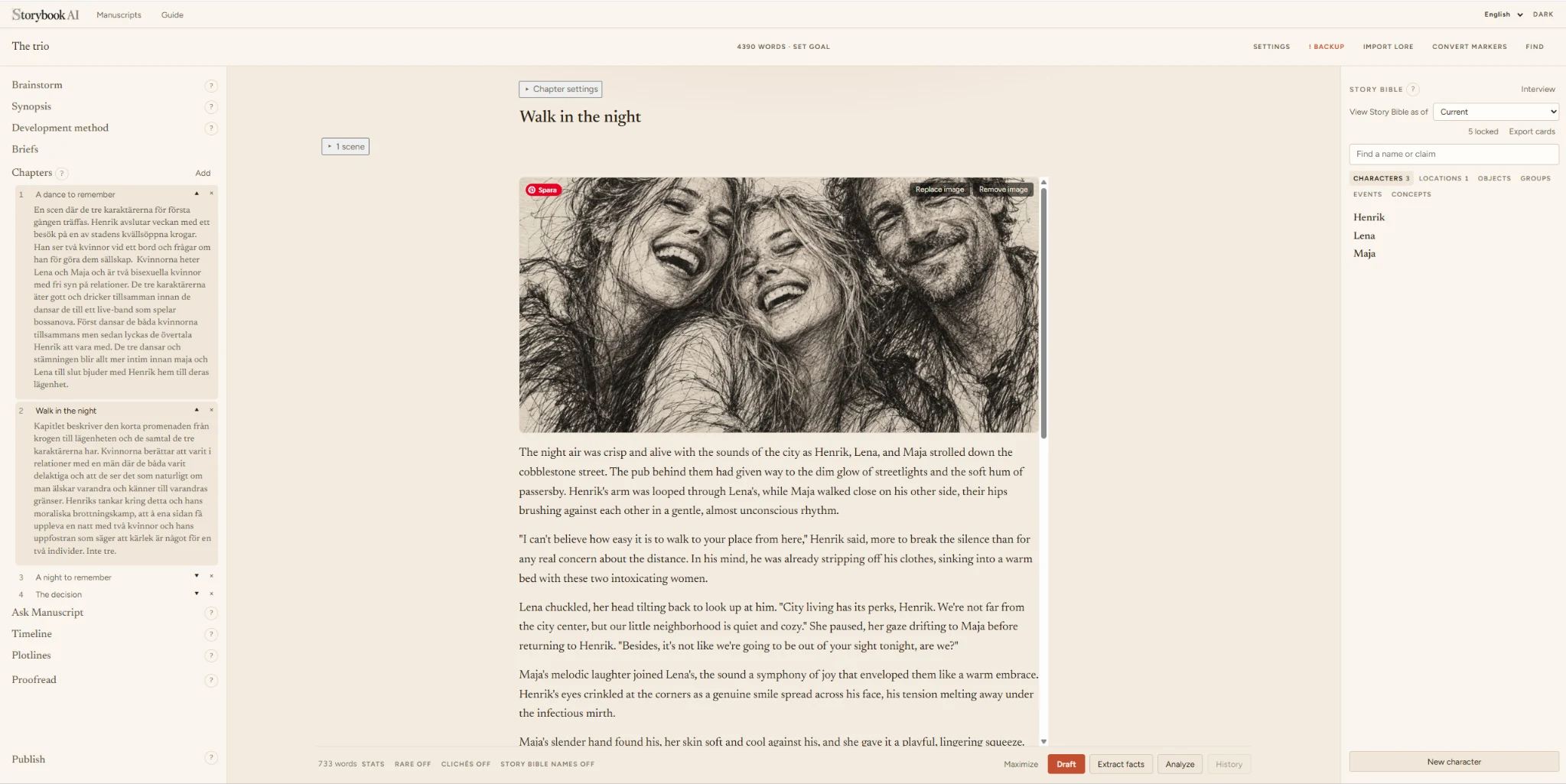
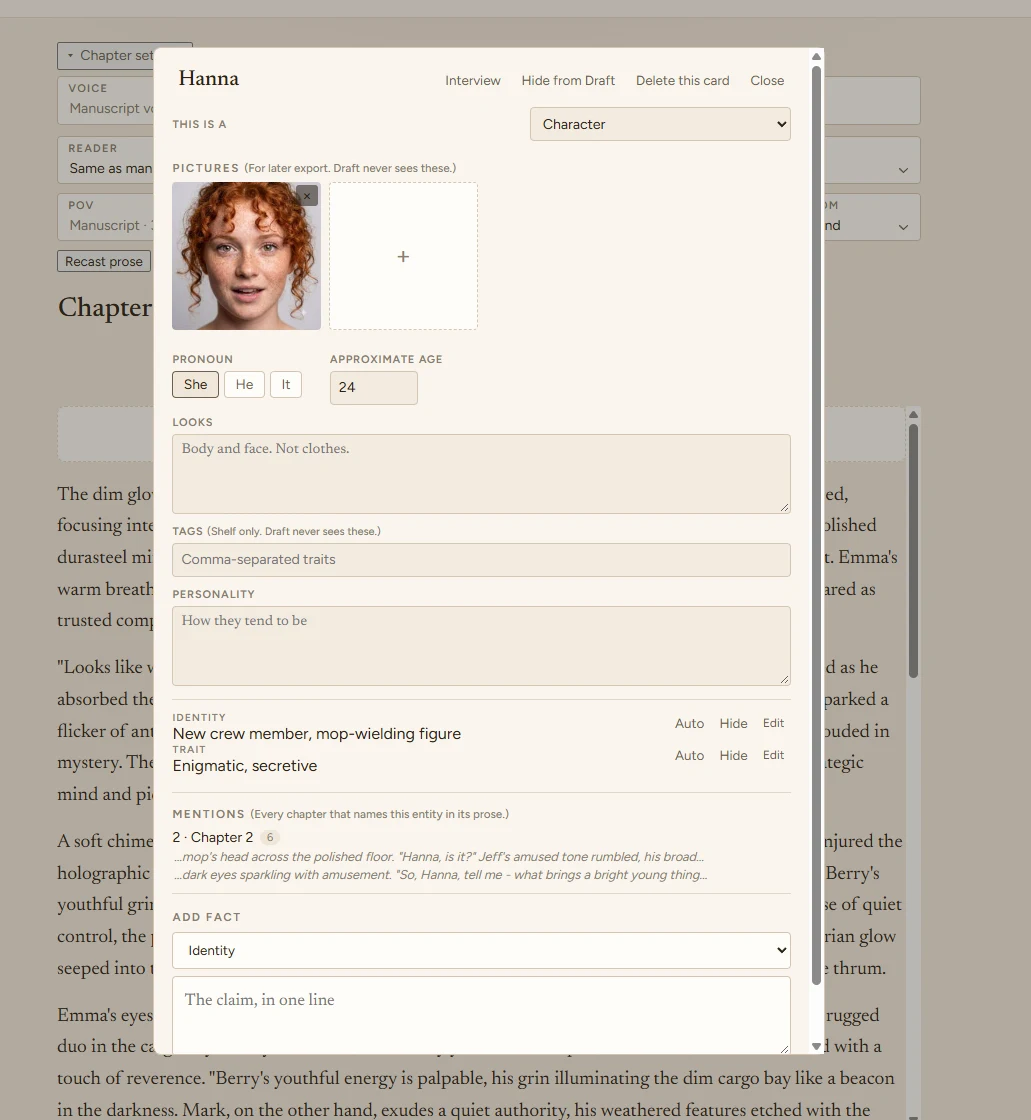
Collect characters, places, objects and established facts. StoryBook AI can extract possible facts from your manuscript and exploratory conversations. You review and lock what becomes canon.
ComicbookAI and SandboxAI cannot modify this story bible.
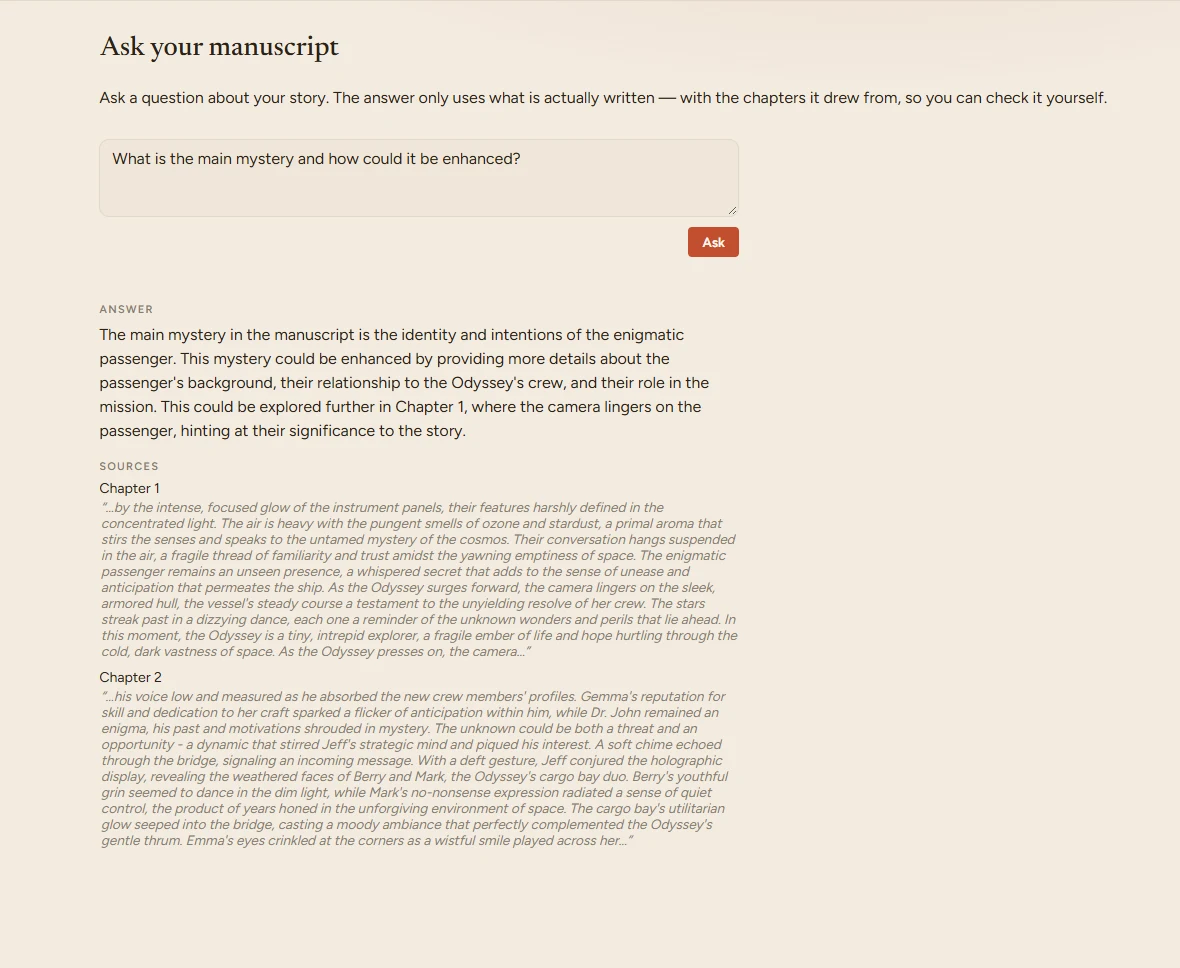
Ask about plot, characters or pacing. Answers show which chapters informed the response, so you can check the reasoning yourself.
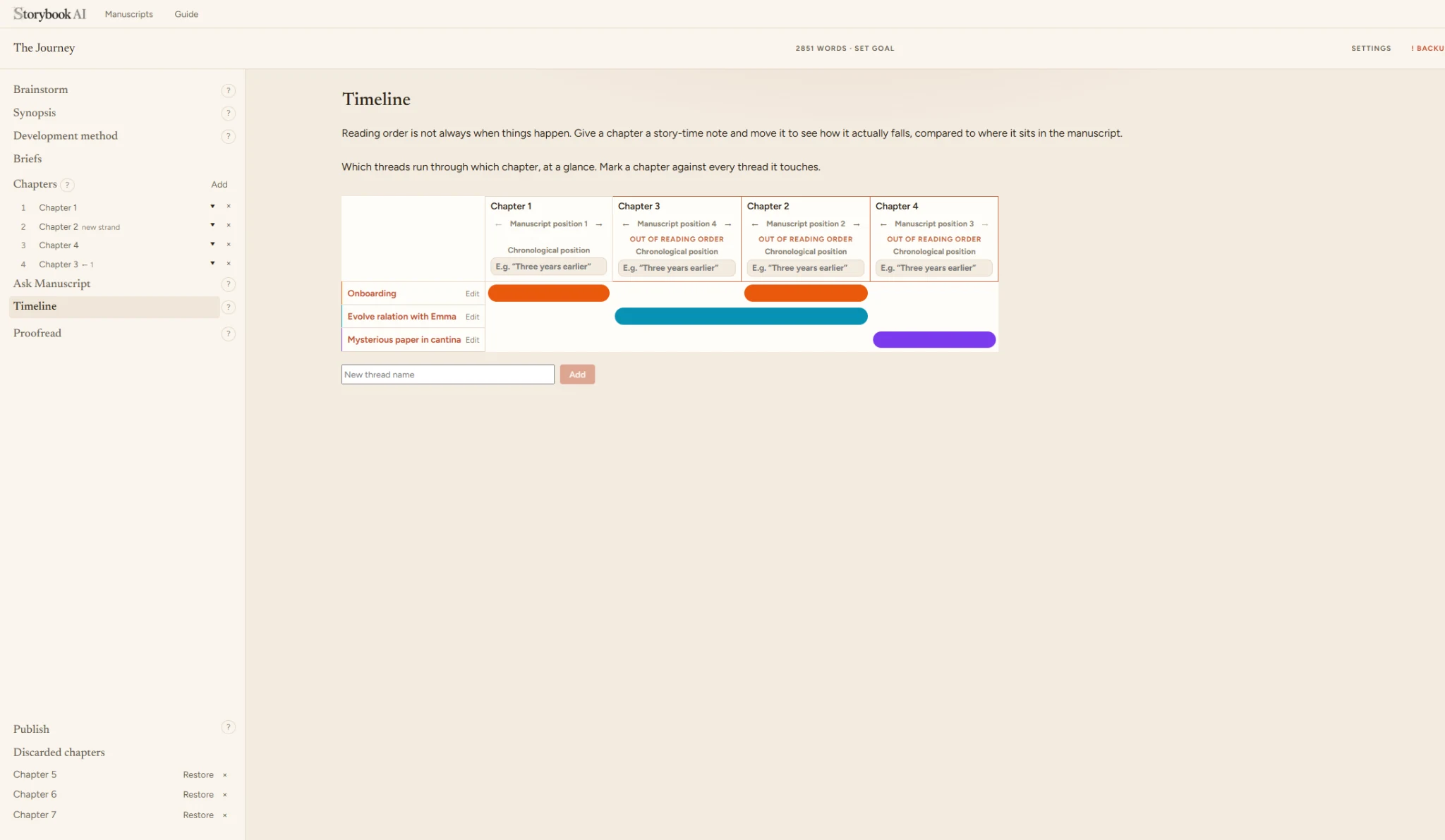
Compare reading order with story chronology. Follow plot threads across chapters and see when events actually take place.
Synopsis, chapter briefs and story methods including Snowflake, three-act structure and Hero’s Journey.
Organize scenes and set voice, point of view, tense and intended reader for each chapter.
Proofread the manuscript, analyze prose and find repeated words and phrases.
Choose a visual style and build a scene prompt from selected prose. You copy the prompt into your chosen image tool.
Export to Markdown, TXT, RTF, ODT, HTML, ePub and PDF without private planning material.
Chapter history, project backups and restore points give you room to experiment.
StoryBook AI runs on your computer and uses AI on your computer or local network. Manuscripts, the story bible and project data are stored locally. The app has no telemetry or cloud sync.
Run starta.bat on Windows, starta.command on macOS or ./starta.sh on Linux. The scripts check for Node.js and install dependencies on first launch.
Open http://localhost:5175 in your browser. Connect Ollama, LM Studio or a compatible local endpoint. For Ollama, allow the address with OLLAMA_ORIGINS=http://localhost:5175.
Create a manuscript and open the first chapter. Start simply and add structure when your story needs it.
INSTALLATION DOWNLOADS DEPENDENCIES FROM NPM. THE WRITING WORKFLOW IS LOCAL.
Open the project on GitHub ↗No. You can write every word yourself and use AI as a proofreader, analytical tool or sounding board. The editor and story bible can also be used while the model is off.
Yes. StoryBook AI can help extract information from existing material. Review and correct facts before they become part of the story bible.
Choose a local model that fits your computer, language and writing style. You can use separate models for writing and review, or the same model for both.
The app is free and open under GPL-3.0, with no subscription, credits or premium feature tier.